
What is the Infra console?
The Infra console is the second entry on the DevOpsPad navigation rail, next to Data. It groups a Kubernetes or K3s cluster by environment and application instead of by raw resource type, so you can see a service’s artifacts, releases, Deployments, Pods, logs, metrics, events and configuration in one place.
Database and cluster browsing elsewhere in DevOpsPad is read-only. The Infra console is the one place that can change a cluster, and every change goes through a reviewed plan: you see the current state and the target, DevOpsPad runs a server-side dry-run, and nothing is written until you confirm.
How it is organized
Pick an environment and an application in the top-left selectors. The sidebar then shows four groups:
| Group | Pages |
|---|---|
| Cluster | Nodes |
| Deploy | AI runs, Artifacts, Releases, Deployment, Pods |
| Observe | Metrics, Logs, Events |
| Configure | App config, Nginx config, Project mapping, Sharing & sync |
The header also has Cluster resources, which opens the regular Kubernetes/K3s connection list and resource queries, and Connect K3s, the wizard that maps workloads into the project. A theme button switches the console between dark and light.
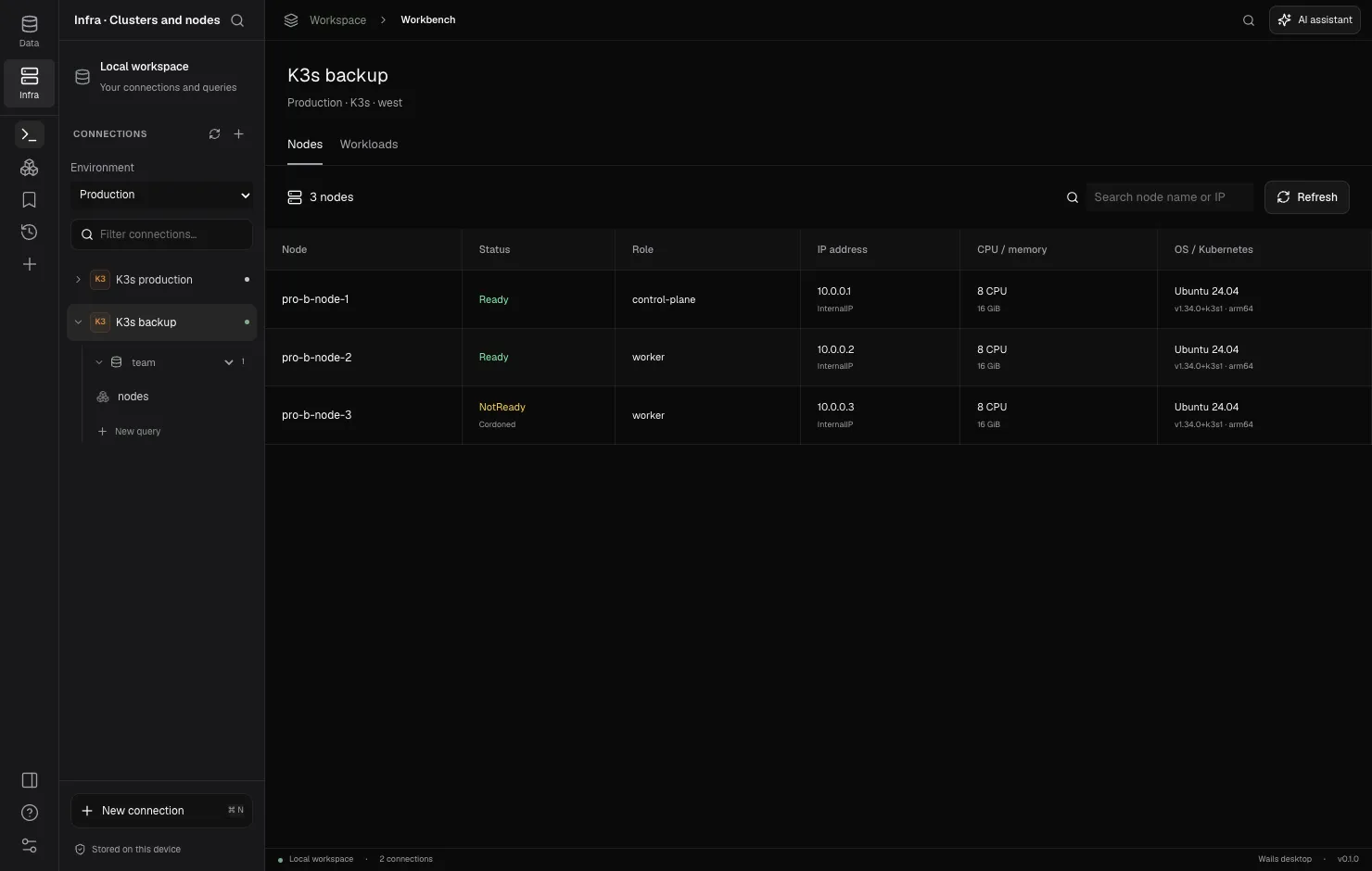
Where the data comes from
- Cluster state (nodes, Deployments, Pods, logs, events, metrics, ConfigMaps) is read live from the Kubernetes API through a saved connection. See kubeconfig contexts and SSH tunnels.
- Project data (environments, applications, artifacts, release records and AI run records) lives in a local project directory as YAML and JSON files. You can share it with a small team through Git. See project.yaml.
- Credentials never go into the project directory. Each person keeps their own kubeconfig and keychain secrets; the project only stores connection names.
DevOpsPad remembers the last workspace and the Infra environment, application and page you used.
What it can change
| Action | Target | Help |
|---|---|---|
| Release an image | One container of an existing Deployment | Release an image |
| Scale | Deployment replicas, 0–1,000 | Scale and restart |
| Restart | Rolling restart of a Deployment | Scale and restart |
| Roll back | A container image, to a previous successful release | Roll back a release |
| Edit a ConfigMap | Text keys of a referenced ConfigMap | Application config |
| Edit host Nginx | One .conf file under /etc/nginx/conf.d/ over SSH |
Application config |
StatefulSets and DaemonSets are listed and can be inspected, but they cannot be modified from the Infra console.
Limits
- Lists are capped at 500 resources; the page tells you to narrow the selector if the cap is reached.
- Monitoring shows current CPU and memory snapshots from metrics-server. There is no history.
- Logs are bounded snapshots (up to 2,000 lines / 256 KiB), not a live stream.
- Image builds and registry pushes are out of scope. DevOpsPad releases images that already exist in your registry.
Frequently asked questions
Does the Infra console need a server or an agent in my cluster?
No. It talks to the Kubernetes API with the kubeconfig and optional SSH tunnel of a saved connection. Project files live in a local directory on your machine.
Can the Infra console create or delete workloads?
No. It can release a new image to an existing Deployment, scale it, restart it and roll back an image. Creating and deleting workloads stays with your existing cluster tooling.