
Roll back to a previous image version
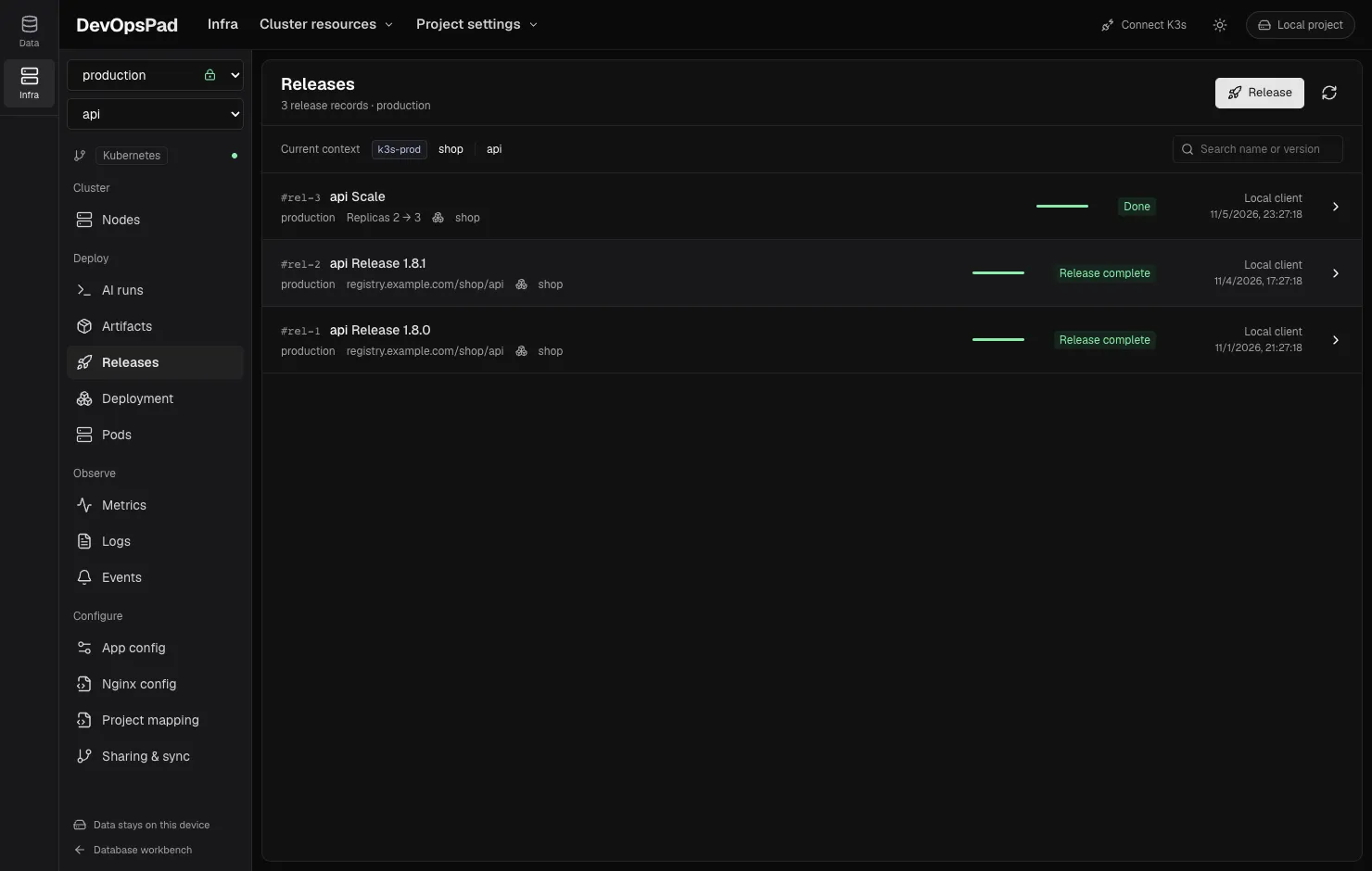
Open Releases, select a successful image release, and click Roll back to this version. DevOpsPad reads the container’s current image, builds a new plan that targets the immutable digest from that historical record, and runs a server-side dry-run. After you confirm, it updates the image, waits for the rollout and writes a separate rollback record.
The rollback is a new release of an old digest, not an undo. The original records stay unchanged.
Steps
- Select the environment and application, then open Releases.
- Open the release you want to go back to. It must be a successful image release made by DevOpsPad in the same environment.
- Click Roll back to this version. The dialog shows the version, the Current image and the Target image.
- Click Create plan. DevOpsPad reads the latest state and runs the dry-run.
- Confirm. The record appears in the list as Rollback.
What it changes
Only the image of that one container. The dialog says so: “Rolls back this container image only. Other settings and containers are kept.” It does not restore ConfigMaps, environment variables, replica counts or other Pod template changes made since.
The same safeguards as a normal release apply: a 10-minute single-use plan, a per-Deployment Lease, resourceVersion checks and rollout verification with a 180-second limit.
When a rollback is not possible
- Not a DevOpsPad image release. Scale and restart records have no image to go back to.
- The release did not succeed.
- Different environment. A record from one environment cannot be rolled back into another.
- External releases reported by an AI agent (shown as External release with the status Reported). These were not executed by DevOpsPad, so there is no unverified rollback button. Release the known-good version again from Artifacts instead.
If something goes wrong
A rollback that times out or loses its connection is recorded as incomplete. DevOpsPad does not retry it automatically. Check the Deployment and Pod pages, look at Pod logs and events, and decide whether to try again.
Frequently asked questions
Does a rollback restore old ConfigMaps or replica counts?
No. It only puts the container image back to the digest from the earlier release. Replicas, other containers and configuration stay as they are now.